Microsoft SharePoint: The Fundamentals
£POA

This course will get you up and running with Microsoft SharePoint, covering everything from the basics of the interface to creating your first site and understanding the Permission / Group Levels.
This is a Full Day Class – Full Day Class selection has been highlighted below, please do not change it.
For a curriculum designed specifically for your needs, please select BESPOKE TAILORED CLASS from the options below.
Module 1: SharePoint Fundamentals
This module covers the core architecture of SharePoint Online, including how it differs from traditional file servers and how it integrates with Microsoft Teams and OneDrive.
You will learn to navigate the modern interface and understand the “Tenant-Site-Library” hierarchy.
Module 2: Working with Sites and Pages
This section focuses on the “Face” of SharePoint.
You will learn how to create and customize Communication and Team sites.
Topics include using web parts to build engaging pages, managing site navigation , and applying themes to ensure a cohesive user experience.
Module 3: Regulating Content
A deep dive into governance and data integrity.
This module covers the critical aspects of content management, including version control, “Check-in/Check-out” procedures, and the implementation of Approval Workflows to ensure information is accurate before it is published.
Module 4: Working with Items and Lists
Moving beyond simple document storage,
This module introduces SharePoint Lists as a powerful alternative to Excel.
You will learn to create custom columns, use Metadata (tagging) instead of folders, and build filtered views to organize and track data efficiently.
Module 5: Sharing Documents in SharePoint
Focusing on security and collaboration,
This module explores the SharePoint Groups & Permissions model.
You will learn how to share files securely with internal and external users, manage “Owners, Members, and Visitors” groups, and understand the risks of “broken” permission inheritance.
Learning Objectives
By the conclusion of these modules, You will be able to:
-
Understand & Master the fundamental hierarchy and permission-based architecture that governs SharePoint data organization and security
- Architect a basic SharePoint site from scratch.
-
Transition from folder-heavy structures to streamlined, metadata-driven lists.
-
Audit and manage user access to ensure data security.
Upcoming classes
Microsoft Excel: Pivot Tables
Microsoft SharePoint: The Fundamentals

Turn an Old Phone Into a Free Home Security Camera

Navigating Microsoft Windows: The Basics
Microsoft PowerPoint: Masterclass

Getting The Best out of Google Play Store
Google Drive vs. OneDrive
Microsoft Excel: Advanced
Microsoft Excel: Intermediate
Microsoft Word: Advanced
Microsoft Word: Intermediate
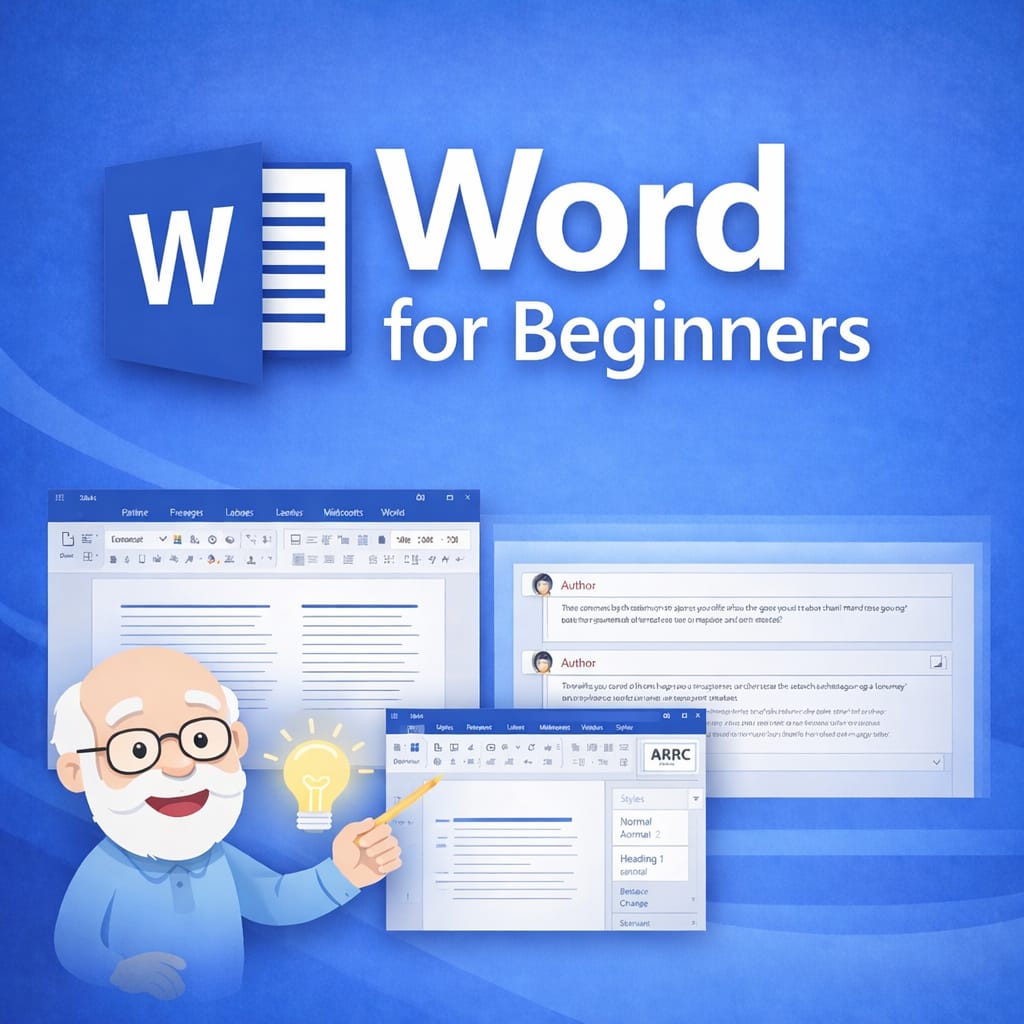
Microsoft Word: Beginners
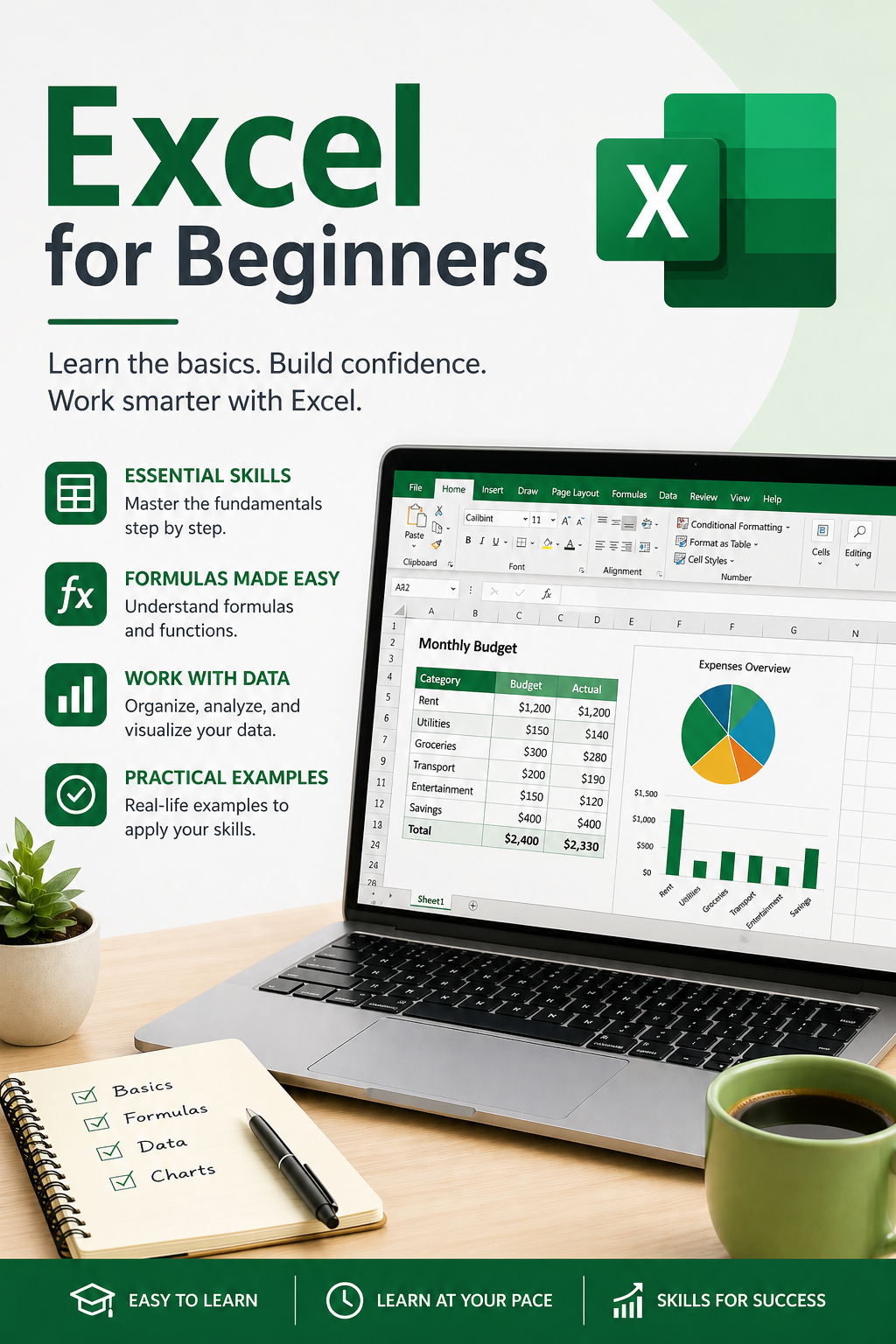
Microsoft Excel: Beginners